
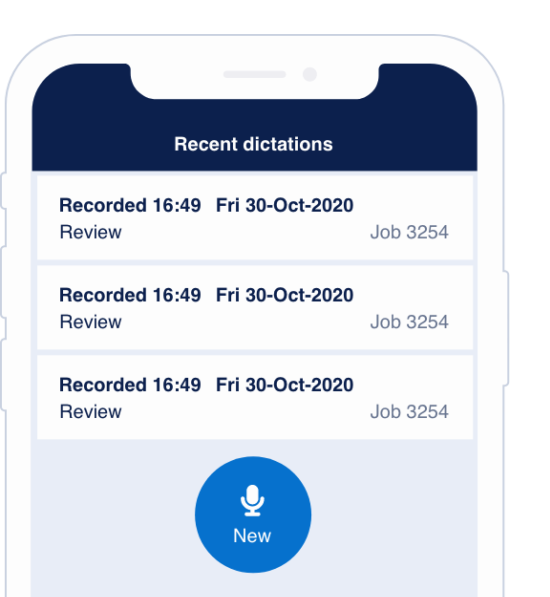
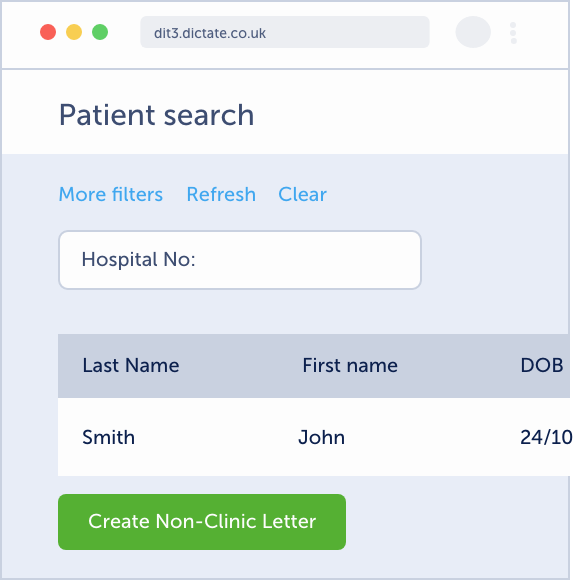
When you first install the app, you need to set the recording device to be the mobile app. You can do this when the application starts:

After first installation, you can change this by accessing the options menu and opening the recording device menu.
Go to the system tray:

Right-click the Dictate.IT icon:

Then chose ‘Select recording device’.
Then choose ‘Mobile device’ and press ‘OK’
